
Overview
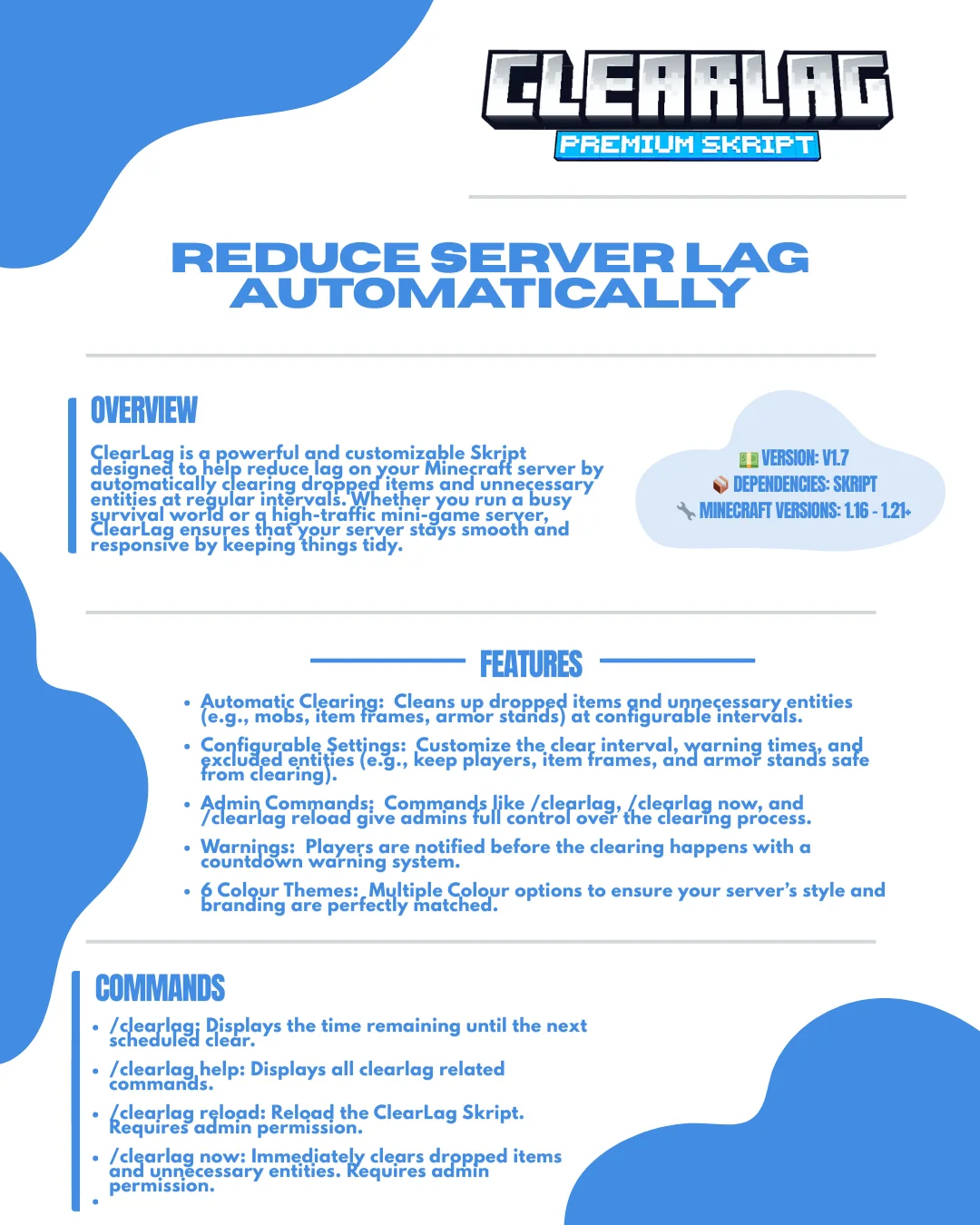
ClearLag is a powerful, customisable Skript that reduces lag on your Minecraft server by automatically clearing dropped items and unnecessary entities at regular intervals. Whether you run a busy survival world or a high-traffic mini-game server, ClearLag keeps your server smooth and responsive.
💵 Version: v1.7 📦 Dependencies: Skript 🔧 Minecraft versions: 1.16 – 1.21+
Features
- Automatic clearing: cleans up dropped items and unnecessary entities (mobs, item frames, armour stands) at configurable intervals.
- Configurable settings: set the clear interval, warning times and excluded entities (keep players, item frames and armour stands safe).
- Admin commands: /clearlag, /clearlagnow and /clearlagreload give admins full control.
- Warnings: players get a countdown warning before each clear.
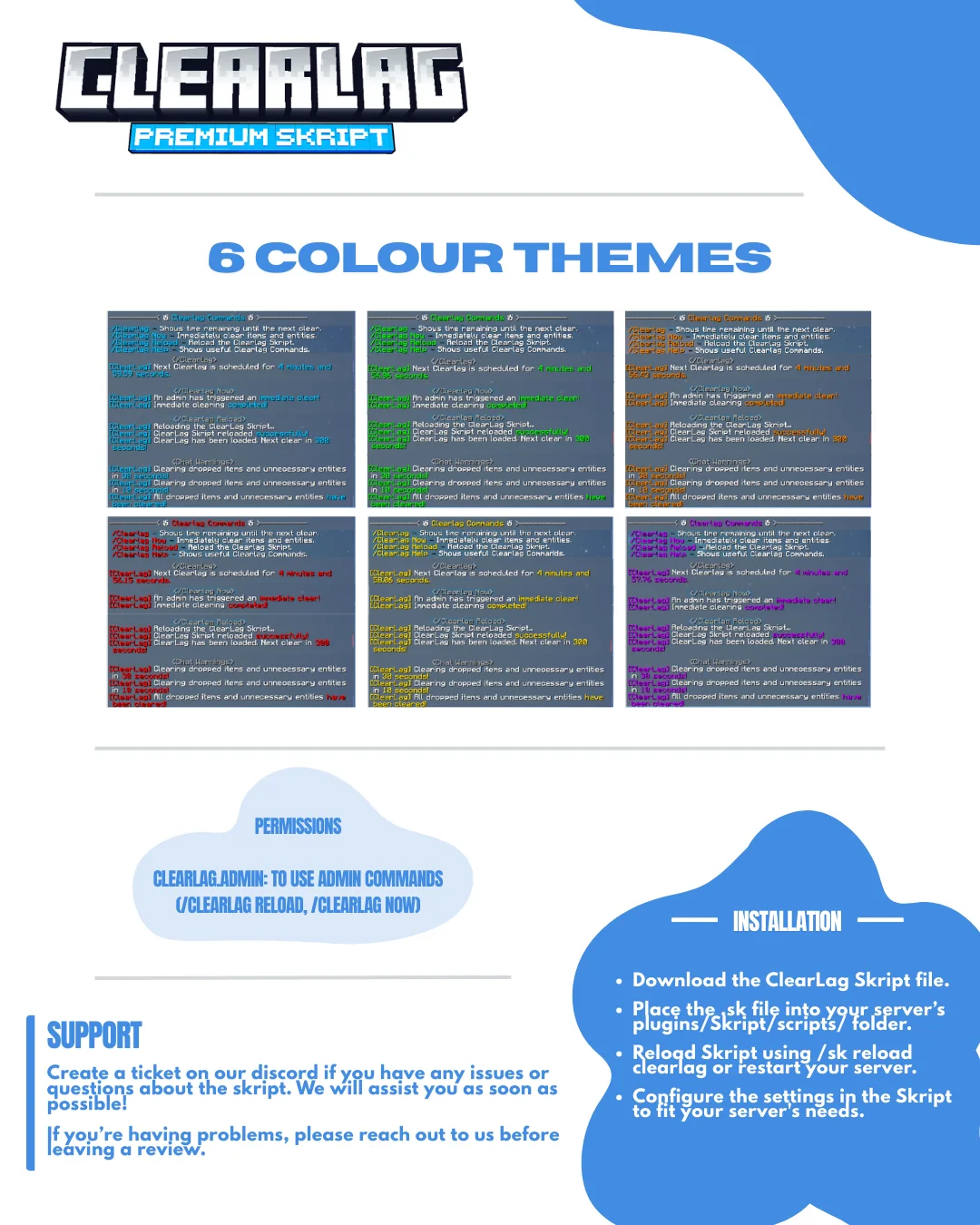
- 6 colour themes: match your server’s style and branding.
Installation
- Download the ClearLag Skript file.
- Place the
.skfile in your server’splugins/Skript/scripts/folder. - Reload Skript with
/sk reload clearlagor restart your server. - Configure the settings in the Skript to fit your server.
Commands
- /clearlag: time left until the next clear.
- /clearlaghelp: shows all ClearLag commands.
- /clearlagreload: reloads the Skript (admin).
- /clearlagnow: clears dropped items and entities immediately (admin).
Permissions
- clearlag.admin: use admin commands like /clearlagreload and /clearlagnow.
How it works
- Scheduled clears: entities and dropped items are cleared at a regular interval you set.
- Warning system: players are warned twice, a few seconds before each clear.
- Entity exclusion: players, item frames and armour stands are never cleared.
- Immediate clearing: admins can clean up straight away with /clearlagnow.
Support:
Create a ticket on our Discord if you have any issues or questions about the Skript. We’ll help you as soon as possible!
If you’re having problems, please reach out to us before leaving a review.

- Skript - Download here
- SkBee - Download here
- Skript-- Download here
Premium Clearlag Skript
Free
- Instant download after payment
- Free lifetime updates · updated 14 Nov 2026 (vFirst release)
- Help via Discord ticket
- Not working as described? We'll fix it or refund you.